
Hello from Ishaq! I will do
Data manipulation PDF manipulation Media files manipulation File management Miscellaneous jobs
In Python Programming
0 +
Projects completed
0.0
Overall average rating
0
Years of career experience
0
Clients served worldwide
Other suggested pages:
My Workspace
My workspace is powered by a carefully selected set of hardware and software, chosen within my budget. That are designed for software development, automation, multimedia processing, and everyday productivity. The setup provides the performance and reliability I need for Python development, application testing, multimedia processing, and managing demanding workloads efficiently. I've organized this page in following sections:
• Primary Hardware
• Secondary Hardware
• Primary Software
• Secondary Software
Primary Hardware
This section showcases the hardware I use in my daily routine. I have also included my previous main hardware in a timeline format to show how my setup has evolved over time. Please note that I don't replace my hardware frequently; I prefer to keep using my devices as long as they continue to meet my needs.
Laptop/computer
This is the main computer I use at my workspace. I use it for both work and entertainment, and I prefer the Windows platform for my everyday tasks. I have also upgraded it with a 512 GB NVMe SSD for improved storage.
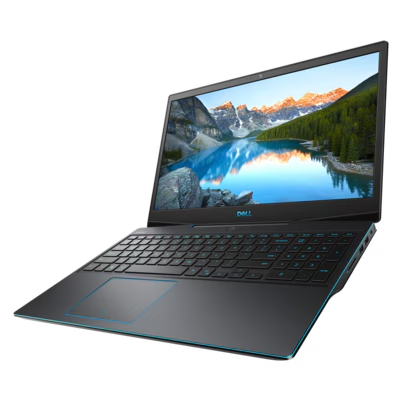
Dell G3 3500
(2020 - Now)
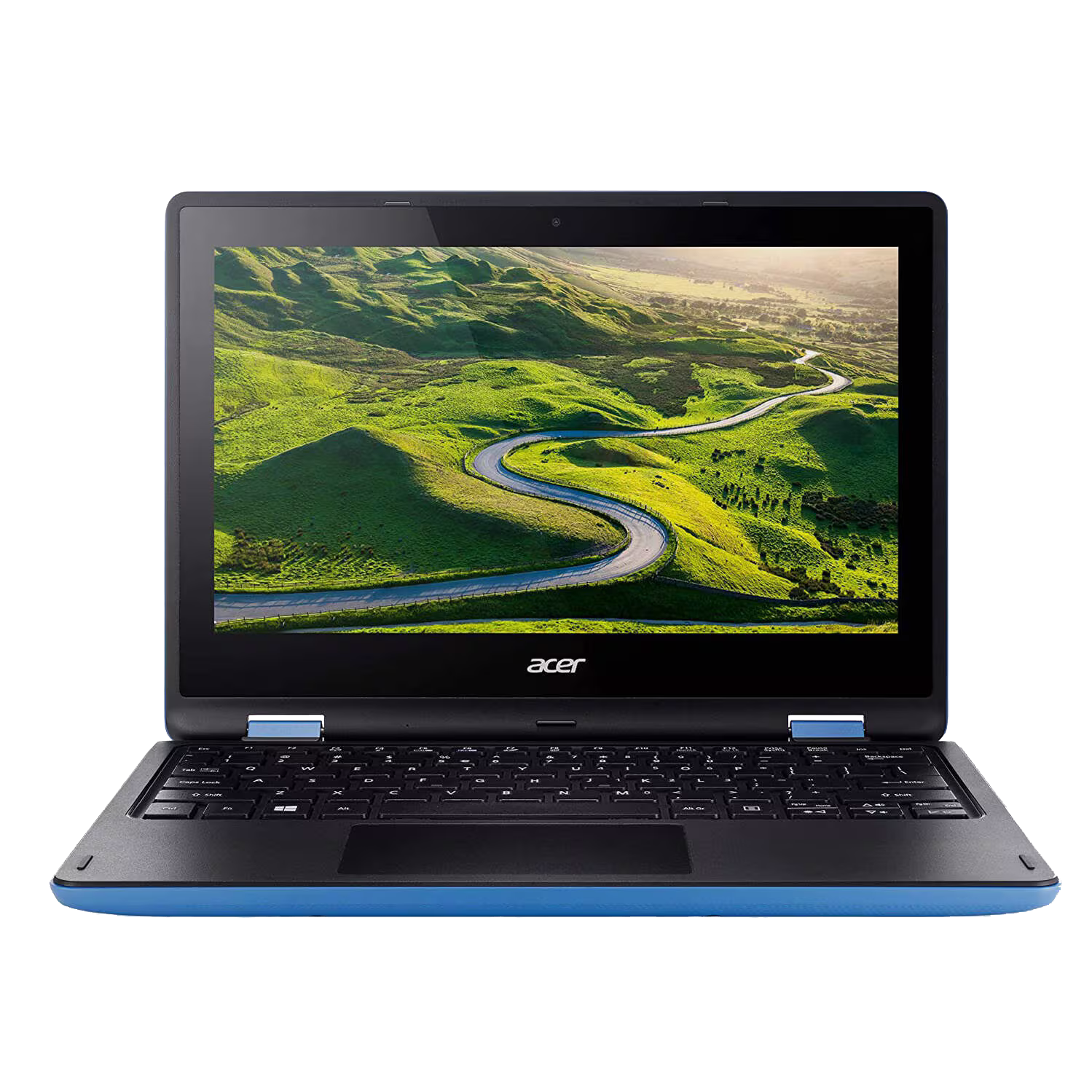
Acer Aspire R11
(~2015 - 2020)
Mouse
A laptop's trackpad is not ideal for productivity, so I keep an external mouse with my laptop for more comfortable and precise control. This is the mouse I currently use with my laptop:
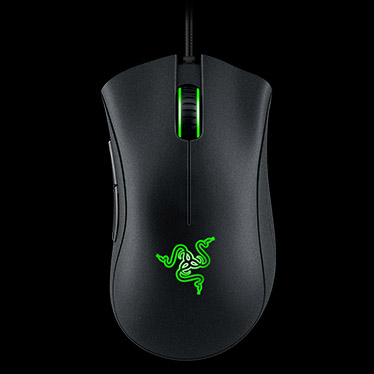
Razer DeathAdder Essential
(2023 - Now)
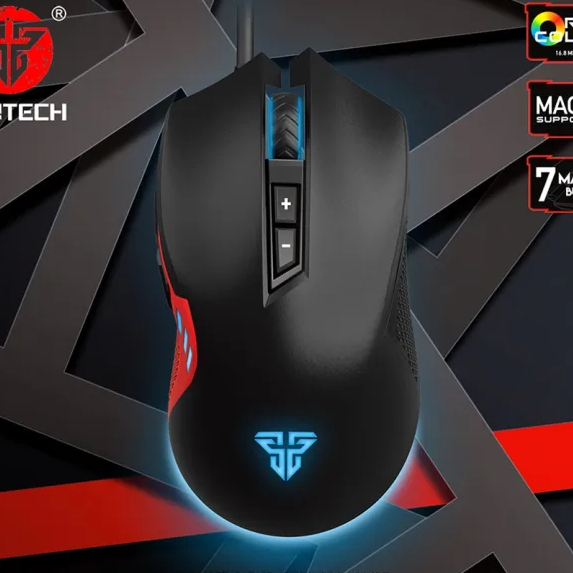
Fantech X15 Phantom
(2021 - 2023)
Smartphone
This is the smartphone I currently use. It is powerful, lightweight, and well-suited for both everyday use and staying connected while I work.
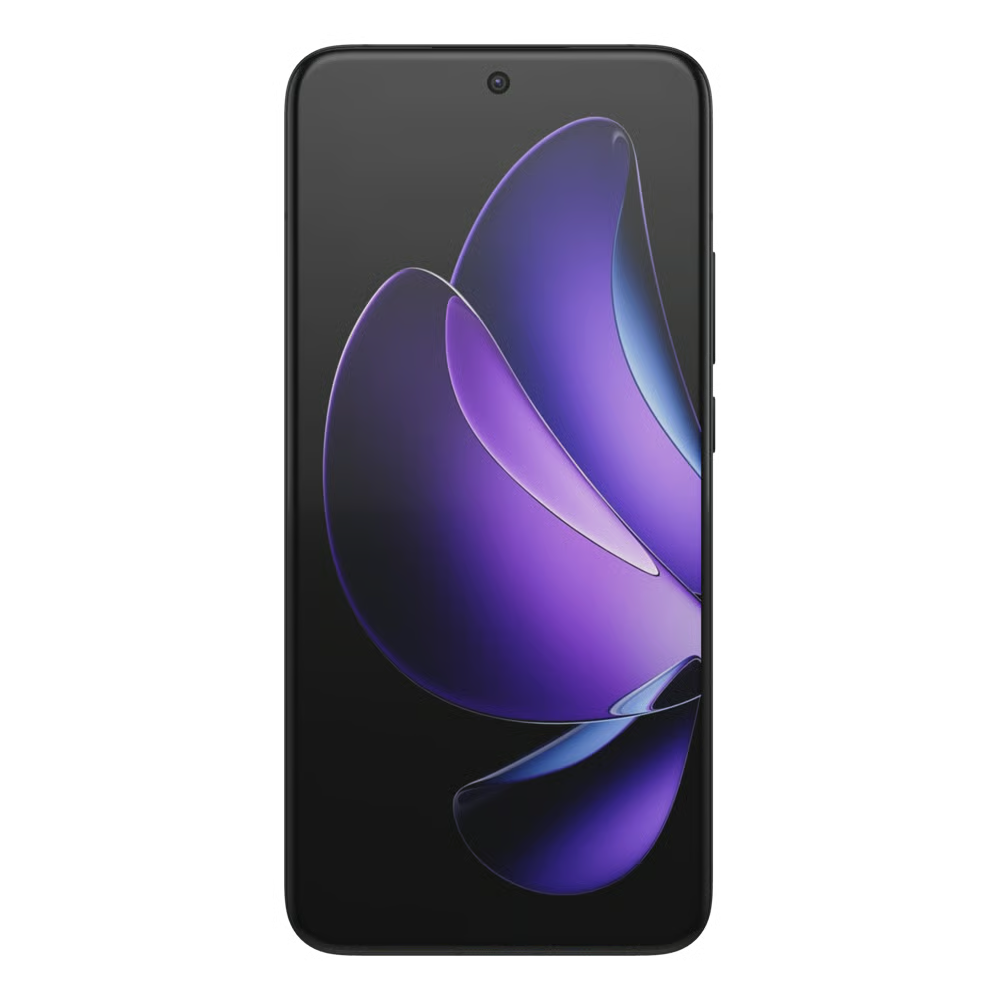
Oppo Reno13 Pro
(2025 - Now)
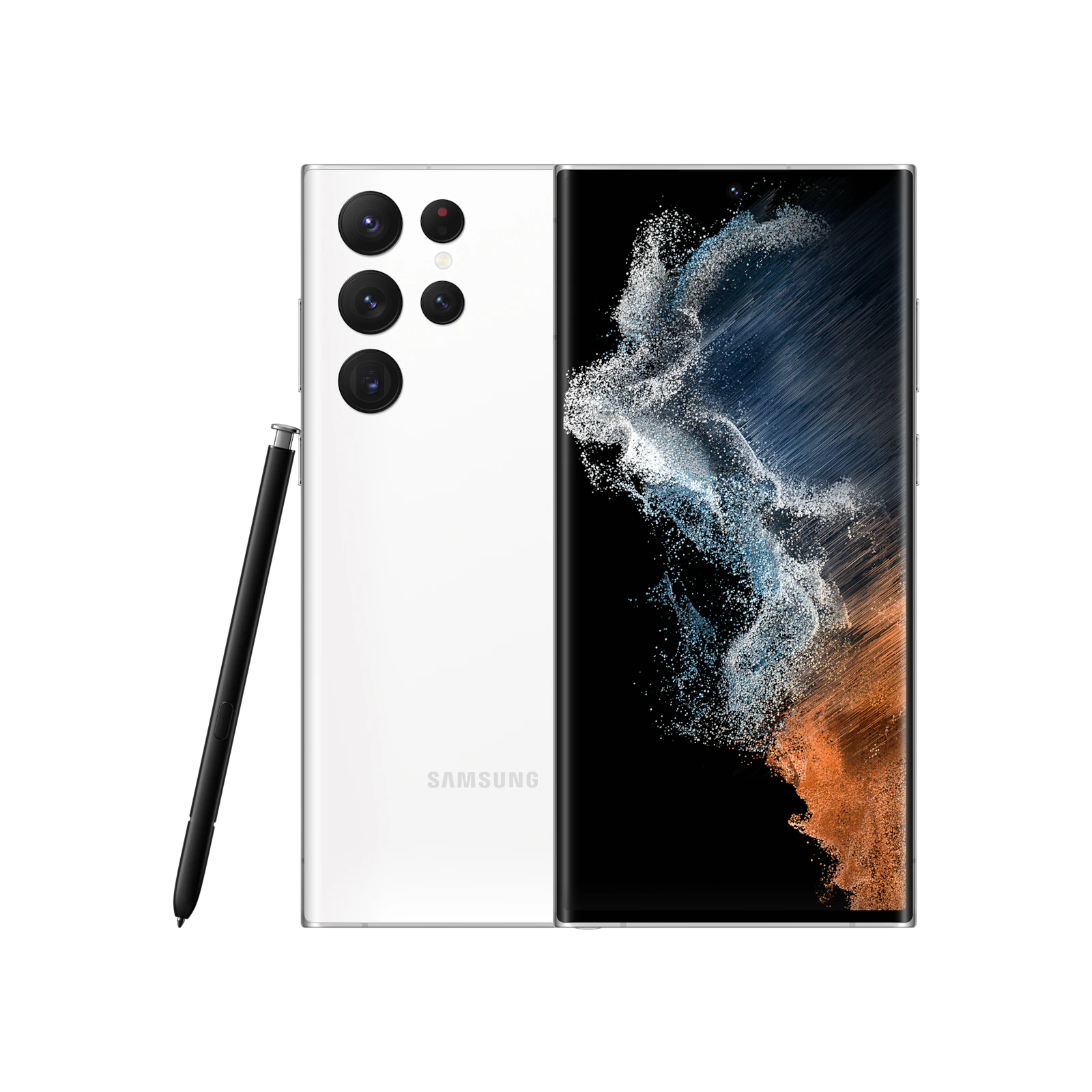
Samsung Galaxy S22 Ultra
(2022 - 2025)
Huawei Y6II
(2017 - 2022)
Secondary Hardware
This section showcases my secondary hardware, which I don't use regularly but still need from time to time for specific tasks or situations. These devices are kept as part of my overall setup and are available whenever I need them.
MacBook Pro
I use a MacBook Pro when I need to do something related to macOS that cannot be done on Windows. I usually use it to debug Python scripts that produce errors on macOS but work correctly on Windows.
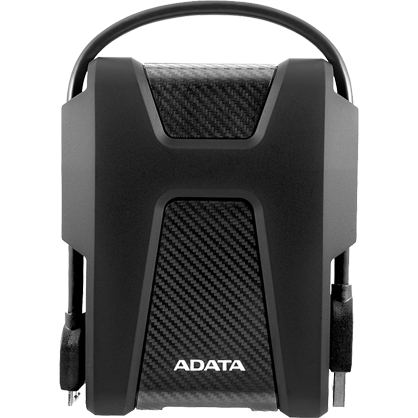
ADATA HD680 External Hard Drive (2 TB)
I use this external hard drive to back up my projects and keep an additional copy of my important files. It helps protect my data from accidental deletion, hardware failure, or other unexpected data loss.
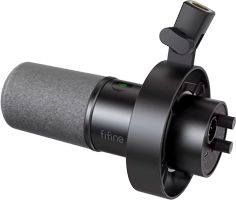
FIFINE Dynamic Microphone - K688
I sometimes use this external microphone for live calls, meetings, or when making presentations. However, I usually prefer to use my laptop's built-in microphone because it works well for my needs and helps keep my desk clean and clutter-free.
Primary Software
This section includes my primary software I need at my work.

Windows
I use Windows 11 on my main computer. I've been using Windows since the beginning, and it remains my preferred operating system. I find it more familiar and comfortable to work with, and it helps me stay more productive compared to other operating systems.

Python
Python is the main programming language I have mastered on my own. Almost every project I've developed has been built using Python, which has become the language I rely on most for my work.
PyCharm
PyCharm is my all-time favorite IDE. I've tried several other IDEs and code editors, including Atom and Visual Studio Code, but none of them have been able to replace PyCharm for me. I think one of the main reasons is that PyCharm is specifically designed with Python development in mind.
Kaslaan Calculator
It's a feature-rich calculator developed by me, that replaces my default calculator. I mostly nead only its Basic tab. I like the way it shows history. I also like how clearly and easily I can evaluate long expressions.
Chrome
Chrome is my go-to web browser for most of my online activities. I mainly use it to find new projects, communicate with clients, and stay in touch with ongoing work. I also rely on it for research, finding information, and interacting with AI chatbots whenever I need help with a task or want to explore an idea.
7-Zip
I use 7-Zip as my file archiver when sending software builds or other deliverables to my clients. It supports the .7z file format, which I prefer because it generally produces smaller file sizes compared to other formats such as .rar and .zip.
Secondary Software
This section showcases the secondary software I use. I may not use these applications regularly, or they may not be as important to my daily workflow as my primary software. However, I still keep them available because they can be useful for specific tasks or situations when needed.
Sublime Text
After PyCharm, this is the software I use most for code- and text-related work. I use it primarily for editing web files, and I often use its powerful search feature to search through scripts across folders and subfolders. I also use it whenever I need to make quick edits to existing Python scripts, or writing new small Python scripts.

MediaInfo
I use this software when I need to review the EXIF and metadata of image and video files involved in a project. It gives me a clear view of the different elements within a media container, along with in-depth details about codecs, encoding, and other technical information.
Wise JetSearch
I use it to search through files from my previously completed projects, allowing me to quickly find scripts, code snippets, and other assets that I can reuse in new projects. It searches through my files almost instantly, making it very convenient for finding previously created work.
Photoshop
I use it when building modern GUIs, particularly for creating and working efficiently with color palettes. I mainly use it when I need to create or edit visual assets related to my projects.

Camtasia
I use Camtasia when I need to create video presentations for my clients, such as installation and setup guides. I also use it to create tutorials that explain how to use the software I have delivered.
PNG2ICO
When I create a new icon and save it as a PNG file, I use it to easily convert the image into an ICO file for use in my projects.

AnyDesk
When I need to connect to a client's computer remotely, I usually use AnyDesk. It allows me to securely access their computer, troubleshoot issues, assist with software installation and setup, and provide direct technical support.